
Domain name servers are the core part of the domain name system. Simply put, name servers define your current DNS provider.
Now let's modify your name servers.
1. First, log in to your Eternal Fire Host account.
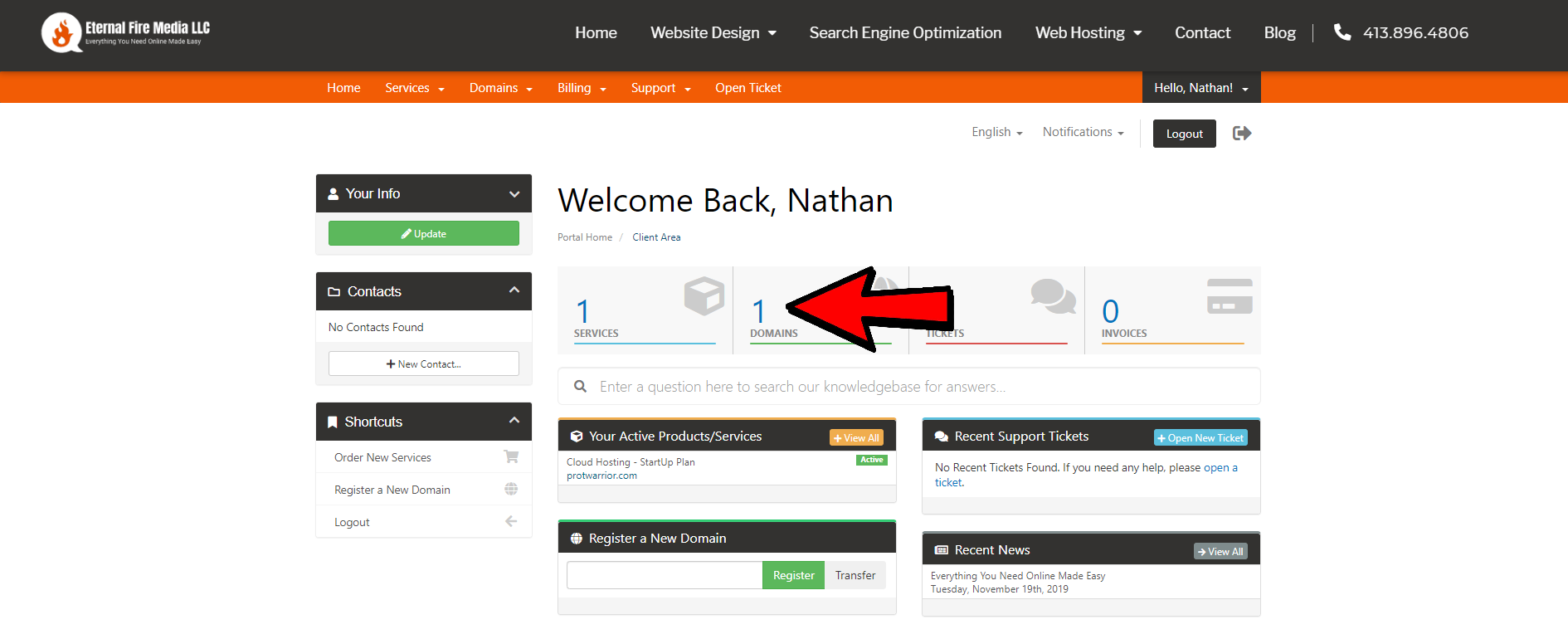
2. On the main dashboard click on DOMAINS.
3. Click on the dropdown arrow next to the wrench icon to the right of your desired domain you wish to edit your nameservers.
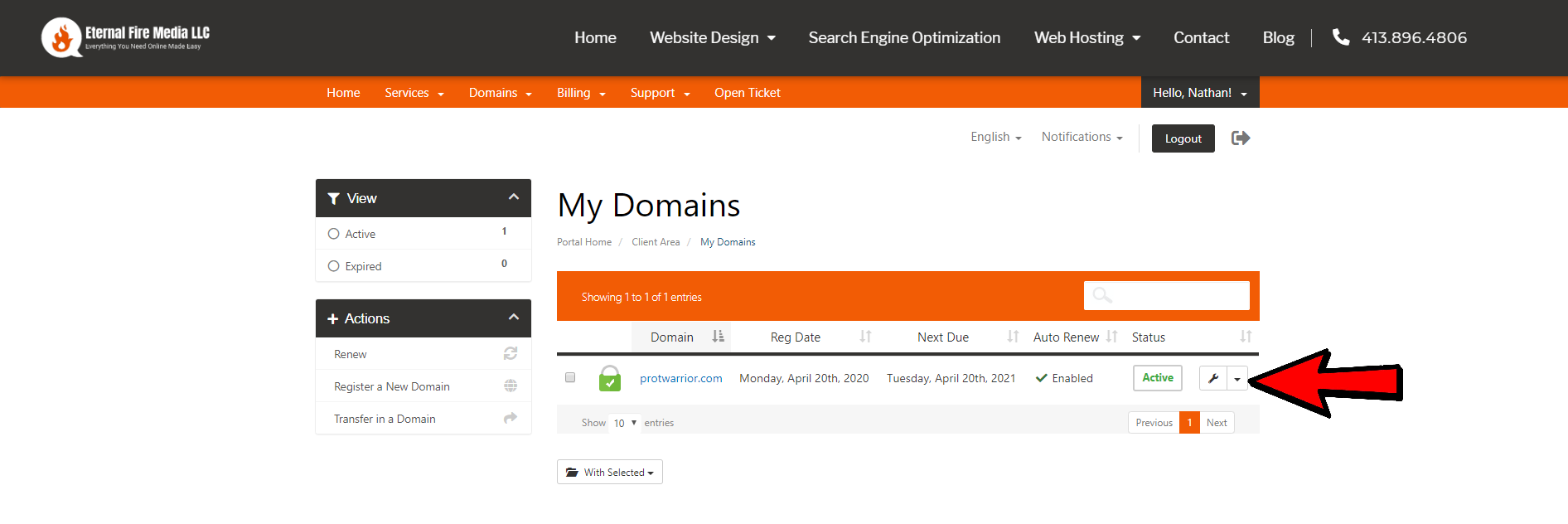
4. Click on manage nameservers.
5. By default you will be on "Use default nameservers" which will automatically give you Eternal Fire Host nameservers all ready to go out of the box!
6. If you wish to use custom nameservers, select "Use custom nameservers (enter below)"
7. Fill in your custom nameservers into the spaces below.
If you move your nameservers away from Eternal Fire Host, please note we will no longer have the ability to assist you with managing your hosting.
